





Skip to content
TRILOGY
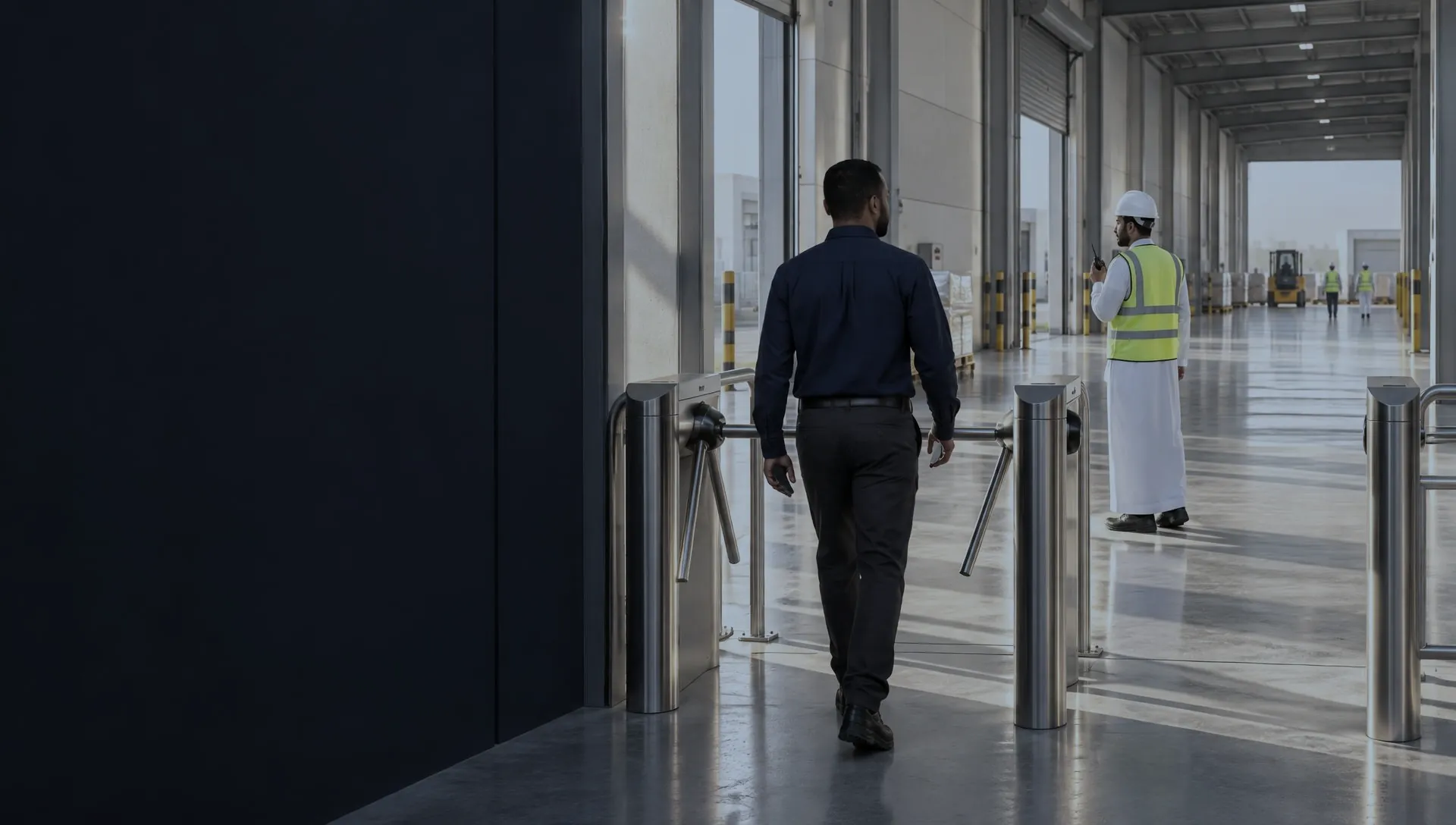
A site gate at the start of a shift, with a team member walking through the turnstile
GeoInTimeWorkforce software TRILOGY provides through resale

One operating story

From attendance… to a clearer view of the work.

GeoInTime is a platform that connects employee, attendance and schedule data with sites, tasks and follow-up, helping departments understand the operating day from its start to its review.

Attendance is where the story starts; what happens next is what a work manager needs.
  1. Attendance
  2. Site
  3. Work

Workforce Essentials

  • People
  • Attendance
  • Schedules
  • Approvals
  • Payroll

Workforce Operations

  • Coverage
  • Sites
  • Tasks
  • Team work & handover

The business tension

One company. Data that needs a shared context.

HR reviews attendance and requests, the supervisor follows the team, the operations manager watches site status, and leadership needs a connected reading of all this data.

Why it mattersWhen records are spread across departments, decisions become slower and harder.

One piece of information, a different decision for each role.

Workforce and operations management gives the HR team, supervisors, operations managers and executive leadership the right context, according to the permissions and screens available.

Who is in? Which requests and exceptions are waiting?

HR reviews who is in and what is waiting for approval.

Each manager asks a different question, but the data source should not be scattered.

HR dashboard

Operating questions

Five questions. One operating context.

An application earns its value when it answers a specific business question, not when it shows dozens of cards.

  1. 01

    Who is working today?

  2. 02

    Where are they working?

  3. 03

    Is coverage adequate?

  4. 04

    What has been done?

  5. 05

    What needs review?

  • PeopleEmployee data and assignment.
  • TimeShifts, attendance and missing records.
  • Site & coverageDistributed teams and exceptions.
  • Execution & reviewTasks and evidence, according to the available functions.

The operating chain

One journey that connects people to work.

Employee, schedule, attendance, site, assignment, proof of completion and review: different stages, each needing clear data that can be followed.

    1. 01Employee
    2. 02Schedule

    The employee record and the schedule define who is expected to work.

    1. 03Attendance
    2. 04Site

    Attendance and site give context to presence at a given time.

    1. 05Assignment
    2. 06Proof of completion

    Assignments and documentation show the work that was recorded.

    1. 07Review

    Approved reviews feed into payroll data.

Why it mattersEvery handoff between two stages is a chance to lose important information.

Operating relationship diagram — not automatic execution

Two capability layers

The strength of workforce management. The clarity of daily execution.

Workforce Essentials organises employees, time, schedules, requests and payroll; Workforce Operations connects the workforce to sites, assignments and coverage.

Why it mattersStart with the clear need, then widen the operational view.

Available functions are reviewed by version and package.

The web platform

GeoInTime web platform

The mobile app

GeoInTime mobile app

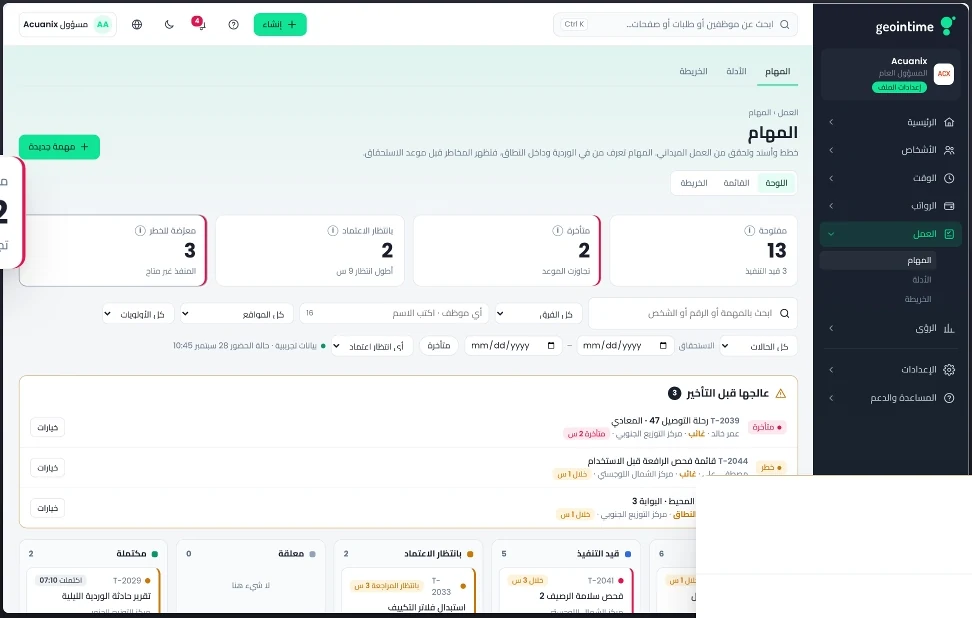
Screens are from the GeoInTime presentation and use demo data; available functions are reviewed by version and package.

An HR specialist with a tablet in front of a planning board

Workforce Essentials

The starting point: a known employee and a clear schedule.

Unifying employee information, documents, schedules and requests sets a better foundation for reviewing attendance and managing daily work.

  • The person's record: core data, job assignment, documents.
  • Time: attendance records, schedules and exceptions.
  • Requests: leave, corrections or overtime on a clear review path.

Why it mattersEvery missing detail in a record can turn into an exception during execution.

  • People
  • Attendance
  • Schedules
  • Approvals
  • Payroll

HR command

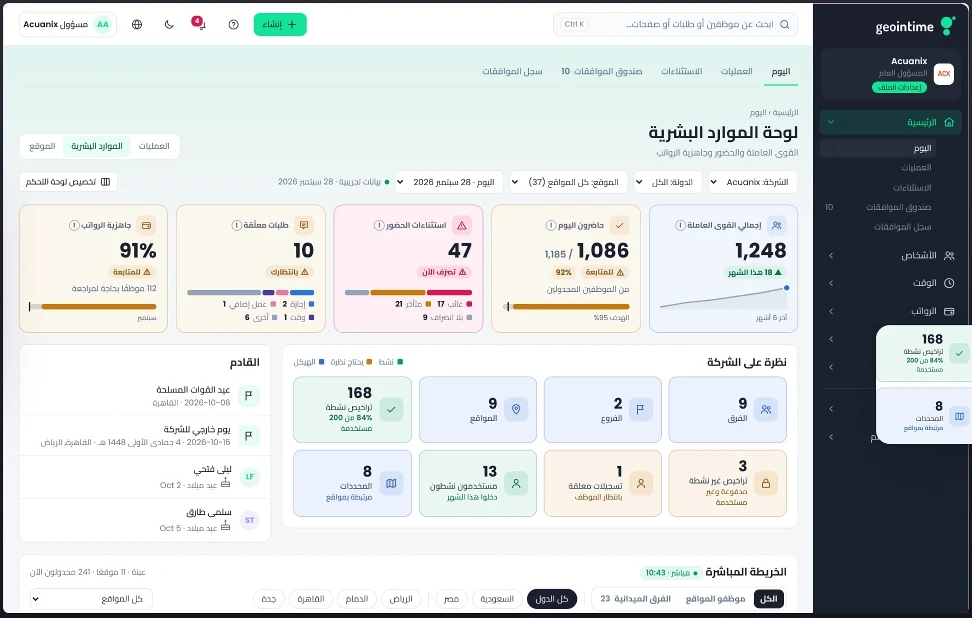
The HR dashboard: from numbers to follow-up.

Review the workforce, attendance, exceptions and requests from one interface, then move to the details that need action when the indicators are available in your version.

Why it mattersAn HR day should not start by chasing scattered files.

What the system shows

  • Total workforce and its distribution, within the scope the screen shows.
  • Today's attendance, lateness, exceptions and pending requests.
  • Readiness and analysis indicators where available in the version.

Use cases

  • Complete HR dashboard
  • Total workforce
  • Today's attendance
  • Attendance exceptions
  • Pending requests
  • Payroll readiness
  • Insights analytics

For: HR managers

HR dashboard

Screens are from the GeoInTime presentation and use demo data; available functions are reviewed by version and package.

Plan / actual / review

The plan is one thing. What actually happened is another.

Time review starts by comparing the assigned shift with the actual record, then examining the cases that need an explanation or a correction request before the period's data is prepared.

  1. 1Review the approved schedule and shift.
  2. 2Compare with today's attendance and the monthly sheet.
  3. 3Open the exception and the request linked to it.
  4. 4Keep the review decision under the policy in force.
Concept diagram — not real data

Why it mattersThe aim is not to hide differences between records, but to make them understandable and open to human review.

A supervisor with a tablet briefing a field team on site

Workforce Operations

Attendance shows presence. Operations shows the work.

Once time is recorded, the assignment questions begin: which site? which task? who is responsible? And how is the result recorded and reviewed?

  • Attendance shows that the employee is present, not that the task is complete.
  • A site needs an assignment, an owner and follow-up.
  • Review and documentation connect presence with the work in the field.

Why it mattersAn employee being present does not mean the required service is complete.

  • Coverage
  • Sites
  • Tasks
  • Team work & handover

Operations overview

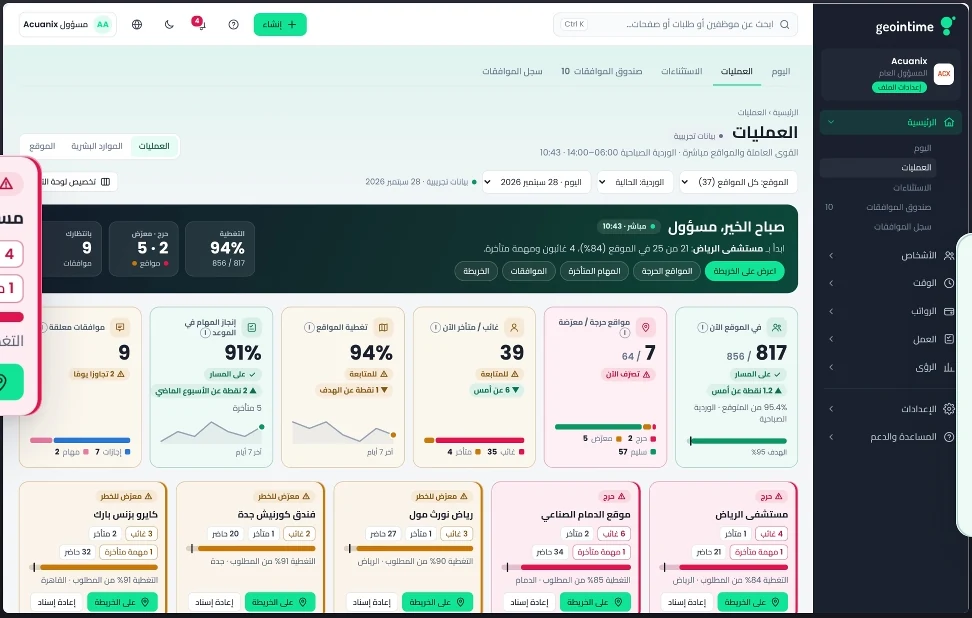
From one operations centre… to the site that needs you.

The operational view helps you follow sites, teams, coverage and tasks, focusing on the exceptions that call for a supervisor to step in.

Why it mattersDaily follow-up should not depend on dozens of phone calls.

What the system shows

  • Site status, staff distribution and risk areas.
  • Supervisor exceptions, coverage and tasks that need intervention.
  • Move from the overview to one site and one case.

Use cases

  • Live operations board
  • Monitoring multiple sites
  • Operations indicators

For: COOs and operations managers

Operations overview

Screens are from the GeoInTime presentation and use demo data; available functions are reviewed by version and package.

The evidence ladder

Before closing a task… what evidence do we review?

Linking the task description and site to its execution status, notes and attachments helps the supervisor review the work.

Why it matters“Done” does not automatically equal approved proof of completion.

  1. 1What is the task, the site and the owner?
  2. 2Which execution steps were recorded?
  3. 3Which photos or notes are actually available?
  4. 4Who reviewed the case, and what is still pending?

Sectors and leadership

Distributed teams, multiple sites, one operating question.

The platform serves distributed teams and multi-site scenarios according to each sector's settings.

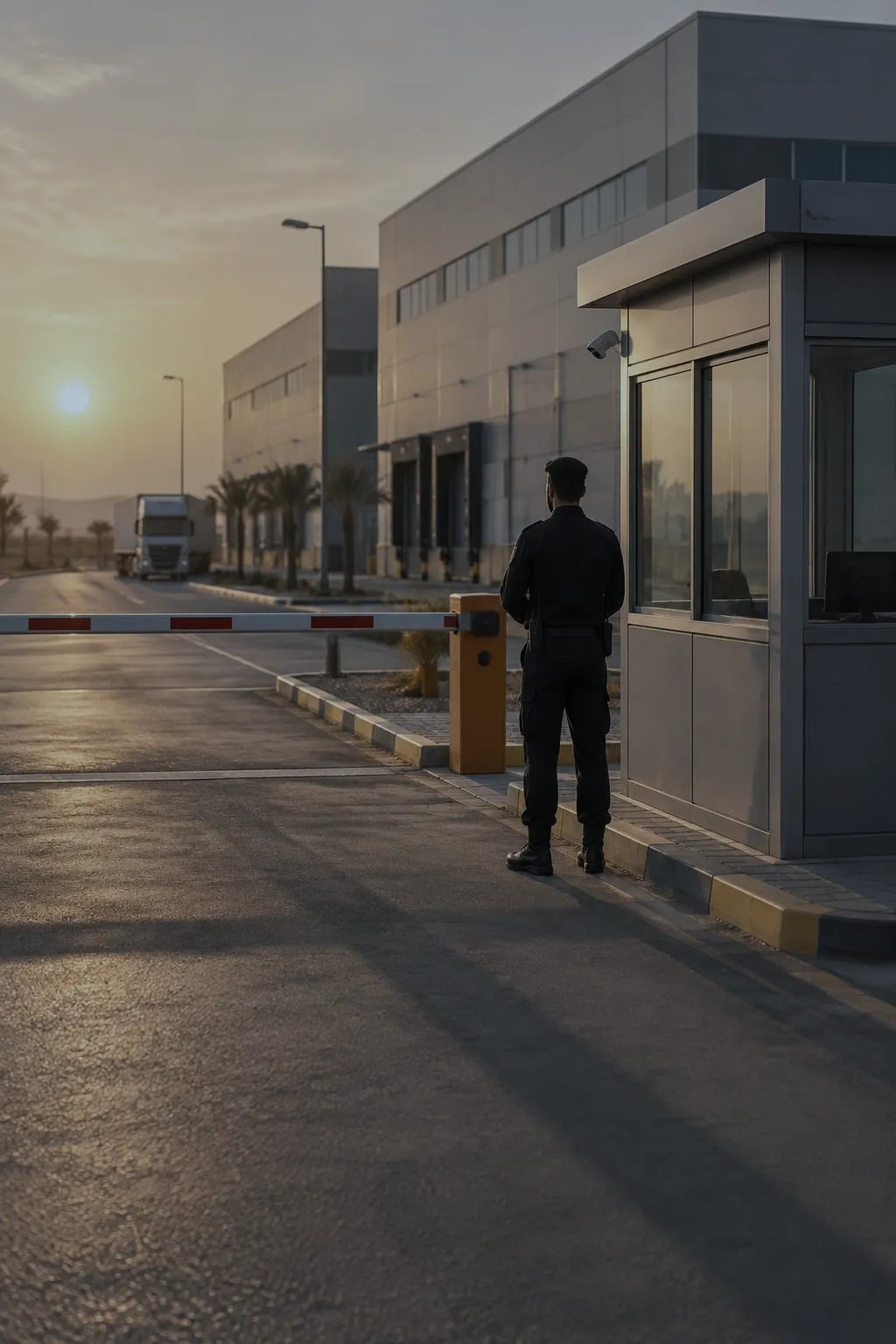
  • A security guard at a site checkpoint at sunset

    Security operations

    Security: every post has an owner

    Managing guard posts starts with coverage.

    Follow the shift, the site and the attendance linked to each post, and link tasks and patrols to a clear follow-up record where the version supports it.

    • Coverage at a guard post is more than company-wide attendance.
    • A security round can be recorded through an assignment and inspection steps.
    • Reporting site status to the customer requires approved operating data.

    Use cases

    • A late security guard
    • Security patrol list

    For: Security service providers
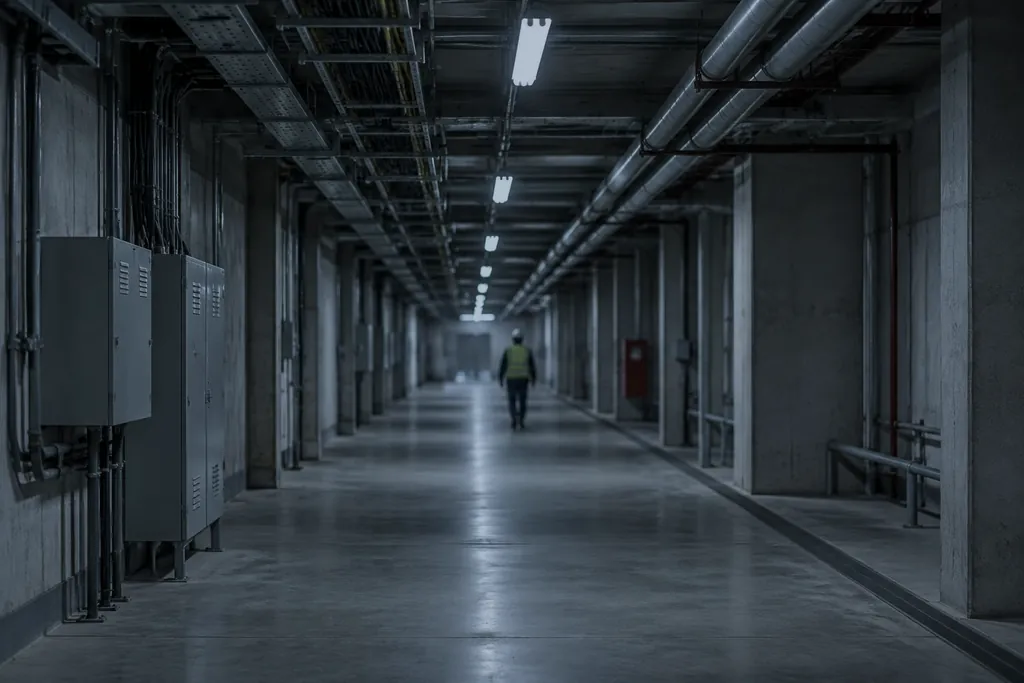
  • A long service corridor in a facility

    FM & cleaning

    Cleaning and support services

    Cleaning teams: clear coverage and quality you can review.

    Assign teams to zones, and follow task status, inspection checklists and supervisor notes to show what was done on site.

    • Assign the cleaning team to zones and times.
    • A quality checklist instead of relying on the word “done”.
    • The supervisor records the result and notes.

    Use cases

    • Cleaning team coverage
    • Cleaning quality review

    For: FM and cleaning companies

  • A site lead in a high-visibility vest at a logistics yard

    Distributed operations

    Construction, logistics and customer services

    From construction sites to services and logistics.

    Activities differ, but the operating question is the same: who is responsible at each site? What work is required? And what has been recorded?

    • Construction: team responsibilities and site rounds.
    • Facility and multi-customer services: task follow-up and each site's context.

    Use cases

    • Multi-customer service operations
    • Construction site tasks

    For: Construction, logistics and multi-customer services

Executive decision

Leadership needs priorities it can explain.

The executive view starts with questions about the workforce, coverage and exceptions, then follows the record behind each indicator according to the available reports and permissions.

CEO
Where are the workforce priorities?
COO
Which site is facing delays or a coverage shortfall?
HR / Finance
Which records need review before the period closes?

Use cases

  • The CEO's workforce picture
  • Site risks for the COO

Why it mattersThere are plenty of numbers; what matters is knowing where to step in.

Cross-function continuity

HR and operations data… in one discussion.

When the employee's identity, shift and site are linked to the task, operational disagreements can be reviewed on the basis of shared records.

  • HR sees the time record and the shift.
  • Operations sees the site, the task and work progress.
  • Meetings between the two rely on the same employee, site and period keys.

Use cases

  • Coordination with operations
  • Reconciling HR with operations
  • Expanding from HR to operations

Why it mattersOverall attendance can be right while coverage at one site is still short.

Adoption & options

Start with what your team needs today, then expand.

Start with an attendance or approvals journey, test it on trial data, then add schedules, sites and assignments as your needs and the readiness of the features allow.

  1. 1. Start with a path that has clear value in one department.

  2. 2. Test the employee, supervisor and HR journey on trial data.

  3. 3. Add site operations and jobs once their readiness for your environment is confirmed.

Why it mattersConsidered expansion starts with a tangible operating problem and measuring how well the solution works.

GeoInTime and TRILOGY

Workforce software TRILOGY provides through resale

Workforce and operations software that TRILOGY resells and implements.

Attendance, shifts, field tasks, approvals and payroll preparation for distributed teams.

GeoInTime

Digit and GeoInTime are separate offerings; no integration between them is implied.

Three demo journeys

A practical demo that starts with a problem from your day.

Choose one of three journeys: attendance management and review, site and team coverage, or following a field task. Each journey is shown on the real screens verified in the demo environment.

Why it mattersA strong demo does not walk through every button; it proves one meaningful business path.

What the demo shows is defined by what is confirmed in the actual demo version.

GeoInTime

The invitation

See GeoInTime on a scenario from your work.

Walk through a journey that starts with the employee, attendance and site, and reaches assignment, review and the data leadership needs. Request a demo focused on your priority.

Next step: a practical demo of screens and paths that fit how your company operates.